
v3.1 is bringing multisig to Keychain!
Multisig
How it works
Multisig allows accounts to request more than one signature for a transaction to be accepted by the blockchain. It is a powerful tool for security and shared use of accounts, among other things.
Hive Multisig has been created as a way to easily bridge the several potential signers by a system of WebSockets.
Hive Multisig is now available within Keychain, to make multisig transactions even easier.
Initiating multisig transactions
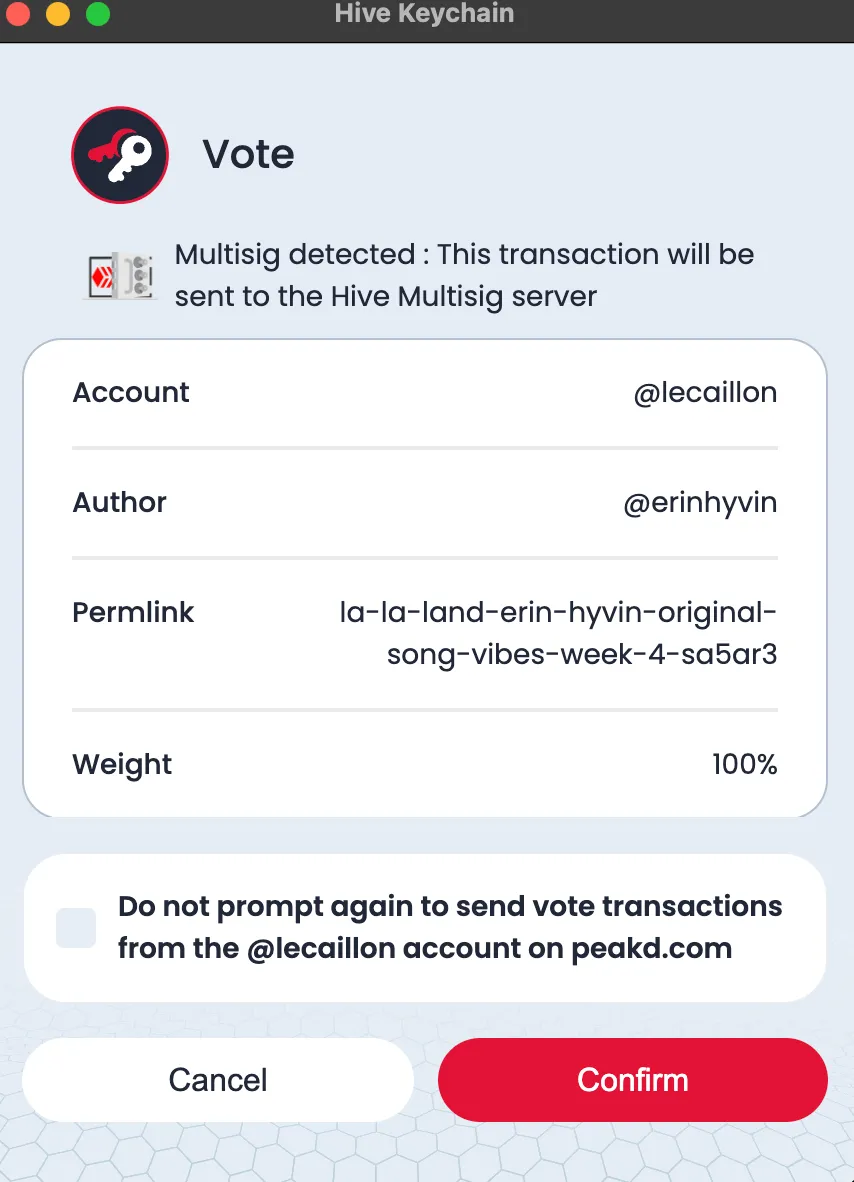
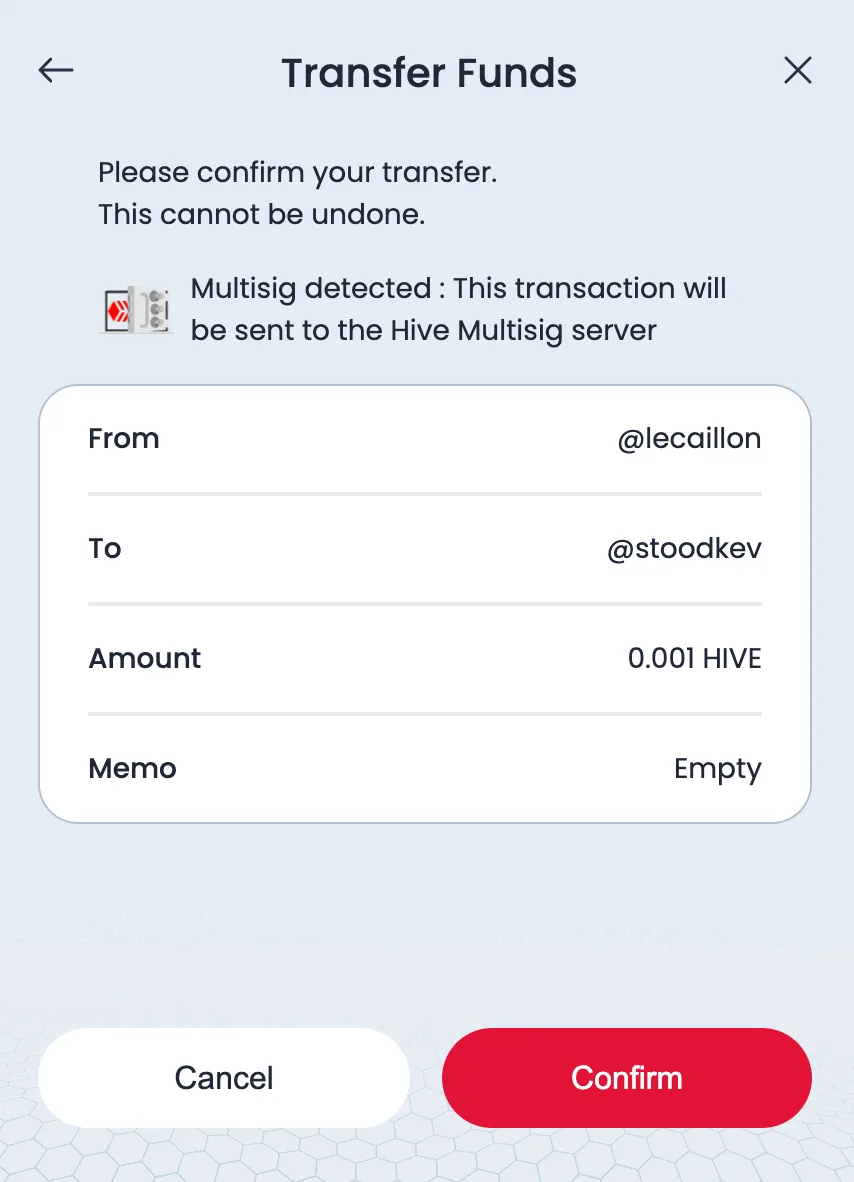
Keychain detects automatically if a transaction requires additional signatures and let the user know that it will use Hive Multisig for the process. This works both for transactions within the Keychain popup and dApp requests.
Sorry for the oversized images, images.hive.blog is down
Receiving and signing multisig transactions
To listen to multisig transactions, go to User preferences > Multisig, and enable it for the required authorities.
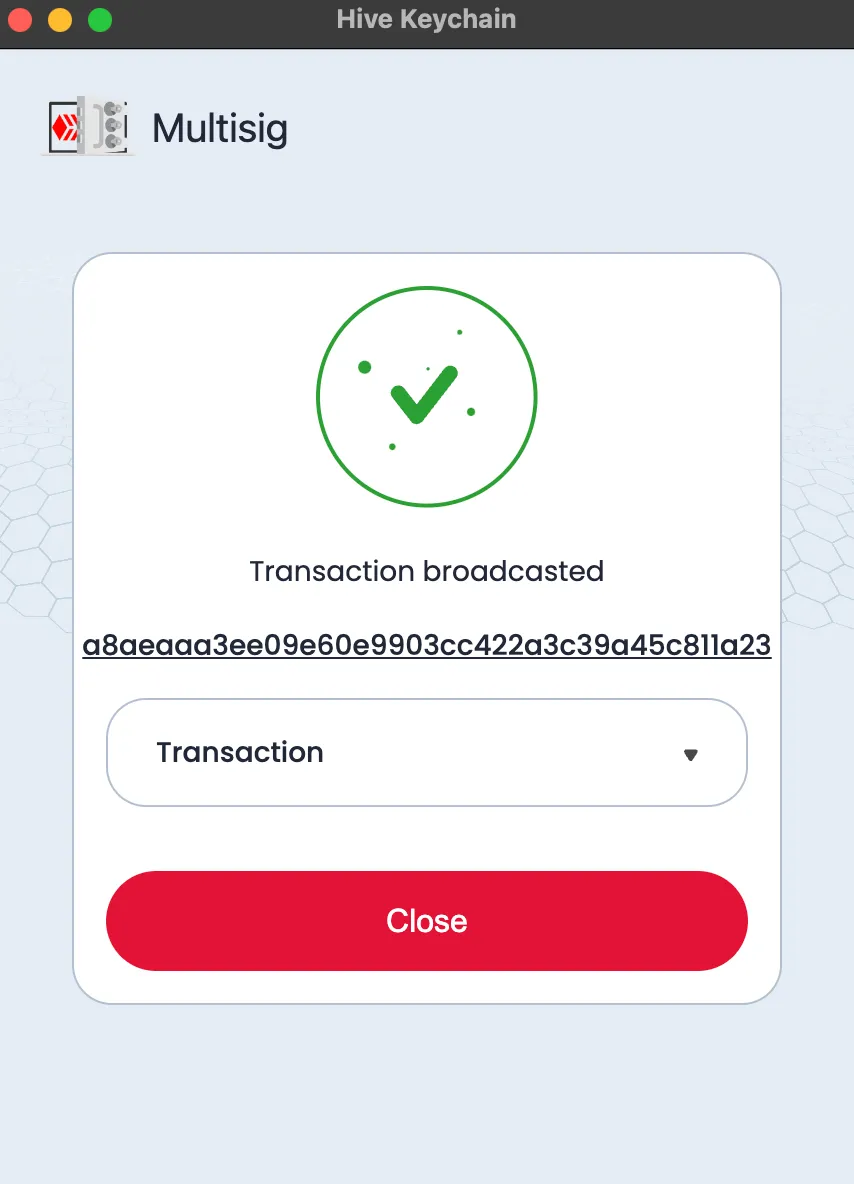
Accounts listening for the transaction will immediately receive a request to sign the transaction, and will be notified once enough signatures have been collected and the transaction has been successfully broadcasted.
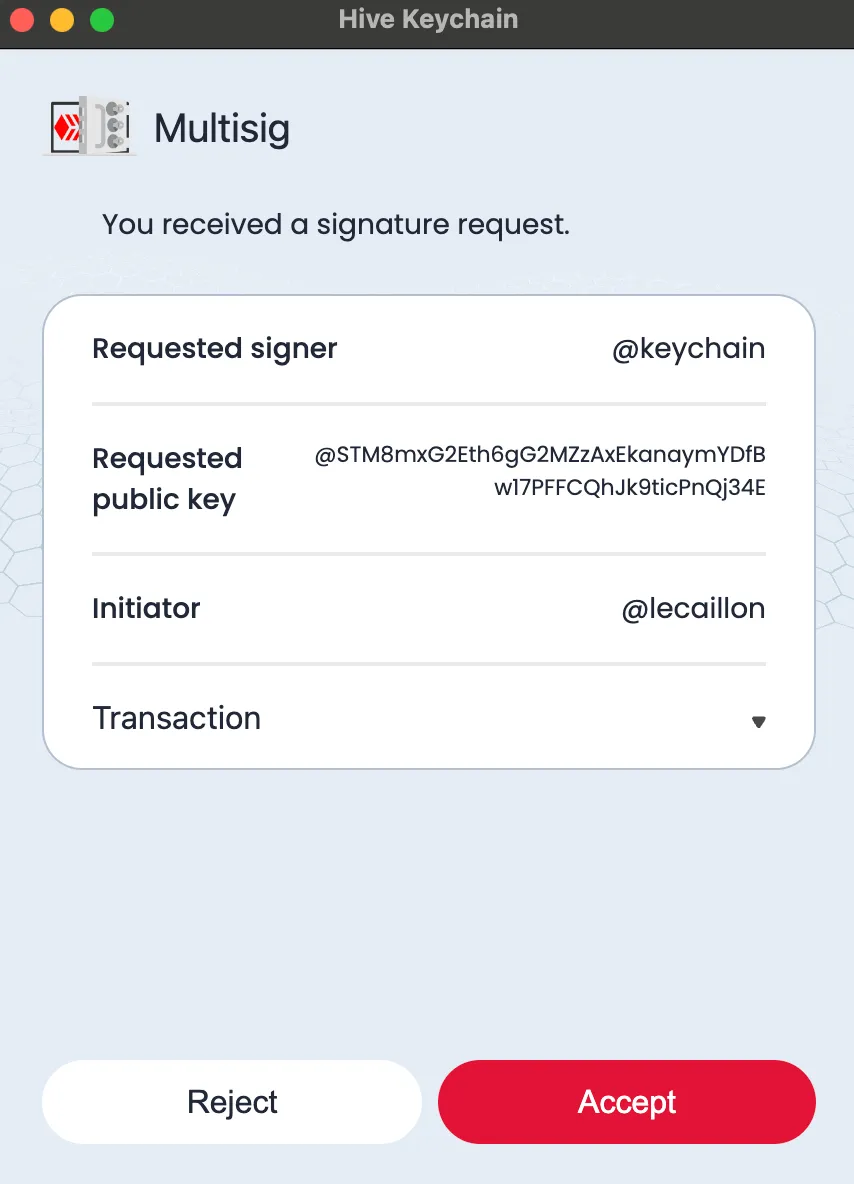
PS: There is a missing introduction text in the multisig settings, it is fixed already but still under review.
Download the Apps / Extensions
The download links for our mobile Apps and extensions are available on our landing page
Discord
To communicate with us, report an issue or become a Beta tester, join our Discord by following this link :
https://discord.gg/3EM6YfRrGv
Or scanning this QR Code :

Team
@stoodkev : CEO - Witness
@cedricguillas : CTO - Witness
@theghost1980 : Front-end Developer
@manuphotos : Community Manager - Witness
@yabapmatt : Advisor - Witness